

.svg)





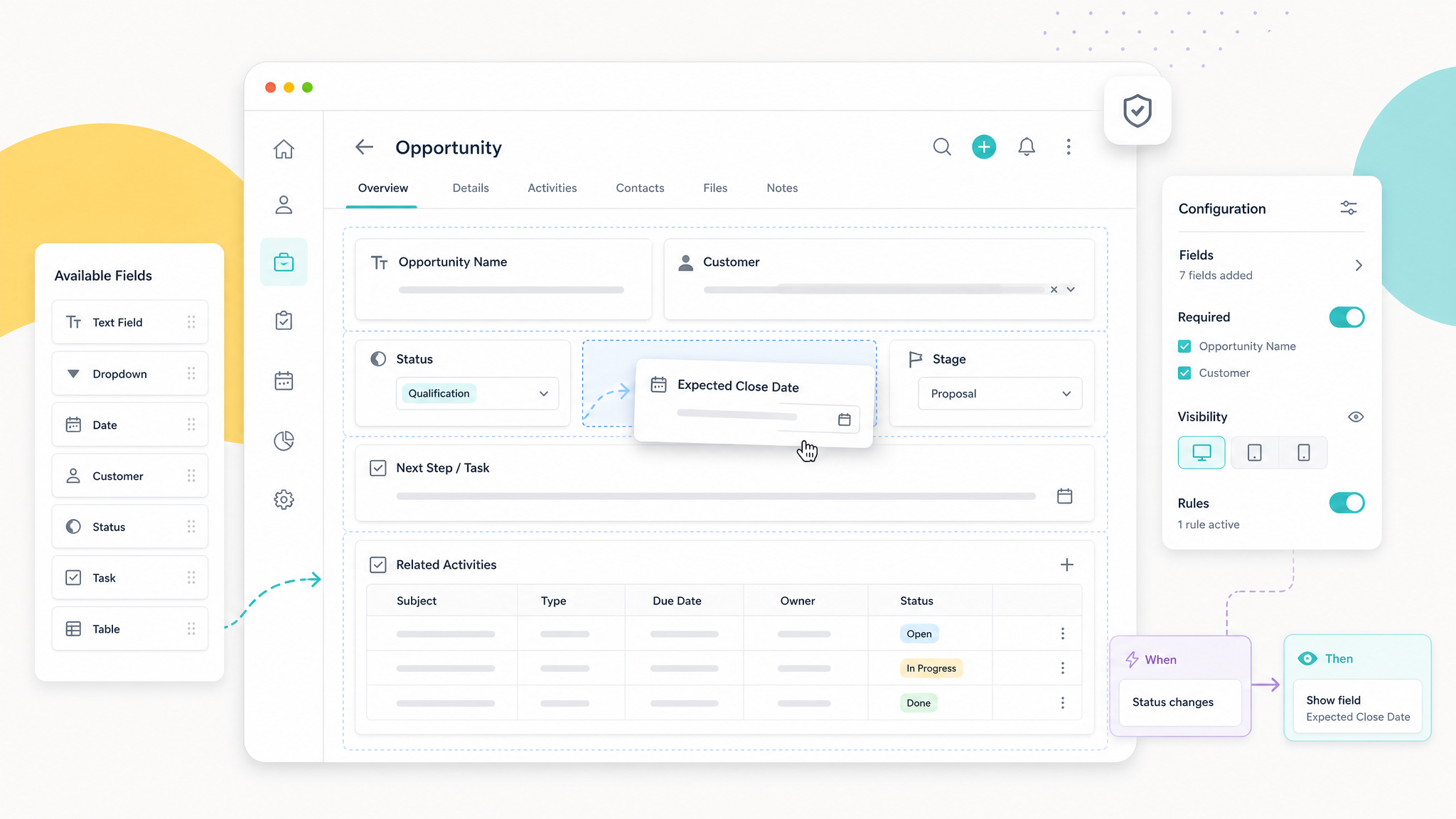
Low-code customization management in CRM helps companies adapt fields, screens, and business rules quickly while keeping system complexity under control.
Is every customization truly necessary?
One of the most common needs in CRM projects is adapting the system to the company’s way of working. Every industry has a different customer structure, sales process, quotation approach, and set of internal operational expectations. Standard screens may therefore not always meet every need. A low-code customization approach reduces the need for technical development and allows fields, screens, and business rules to be adapted more quickly.
Flexibility alone, however, is not enough. Uncontrolled customization can make the system increasingly complex over time. Opening a new field for every request, creating a separate screen for every department, or turning every exception into a separate business rule makes CRM harder to use. The real issue is therefore not merely being able to customize, but keeping customization manageable.
How do proliferating fields and screens make CRM more complex?
Every new field added to CRM affects user attention. Fields that appear minor at first gradually lengthen screens, slow down data entry, and make it harder for users to distinguish truly important information. The CRM experience becomes especially cumbersome when fields with similar meanings, or information used only by a small team, are shown to every user.
The proliferation of screens creates a similar problem. Different teams may have different needs, but turning every request into a separate screen structure increases maintenance costs. When screens are not kept simple, users do not know where to enter which information. This creates risks both for operational speed and management visibility.
Balancing mandatory fields
Mandatory fields are used to create discipline in CRM, but too many mandatory fields can slow the sales team down. When users are required to enter information they do not yet know, they may provide temporary or incorrect data. This creates a greater need for cleanup and control later.
The right approach is to define mandatory fields according to the sales stage and business requirement. Limited information may be sufficient at the initial contact stage, while more detailed information may be needed at the quotation or sale stage. The system then remains simple while still providing the necessary control at critical stages.
Screen needs that vary by department
Sales, management, operations, and technical teams do not view CRM in the same way. A sales representative wants quick access to customer discussions and follow-up actions, while a manager may need summary indicators and the technical team may need request details. These differences should be considered in screen design.
Different screens must not, however, disrupt the shared data logic. If the same customer or opportunity information begins to be used with different meanings by different teams, system integrity weakens. Core field definitions and business rules should therefore remain centrally governed even when screens differ.
How should business rules be documented?
The point most often forgotten in low-code customizations is why business rules were created. Why was a field made mandatory? Under what conditions should a status change? Which screen should be shown to which user group? At what stage should a piece of information be requested? If the answers to these questions are lost over time, the system becomes harder to manage.
The purpose, owner, and conditions of use for every important customization should be documented. This makes the existing structure easier to understand when the system is updated later or new teams become involved. Managing customization records is as important to operational continuity as it is to technical maintenance.
How can low-code flexibility and central control be balanced?
Low-code structures give companies speed, but granting every user unlimited authority to make changes is not appropriate. Customization requests should pass through a defined evaluation process. Does the request address a genuinely shared need? Can it be solved with existing fields? Will it affect reporting or process flow? Will it create an additional burden for users?
With this evaluation in place, CRM continues to evolve as a living system without growing uncontrollably. Central control is necessary not to prevent flexibility, but to ensure long-term sustainability.
A process-aligned customization approach with Konguru CRM
Konguru CRM’s sales-focused structures, including customers, contacts, projects, visits, quotations, tasks, and reporting, can be configured according to company processes. What matters is evaluating each customization not only as a short-term request, but also in terms of its impact on the system’s overall operating logic.
A well-designed low-code customization approach brings CRM closer to the company’s business model while preserving ease of use. Sales teams see the information they need, management retains a shared data structure, and the system gradually becomes a stronger corporate sales infrastructure.
Request a Konguru CRM demo to adapt your CRM screens and business rules to your processes in a controlled way.